Amazon
Signage Stick
Professional signage, made simple.
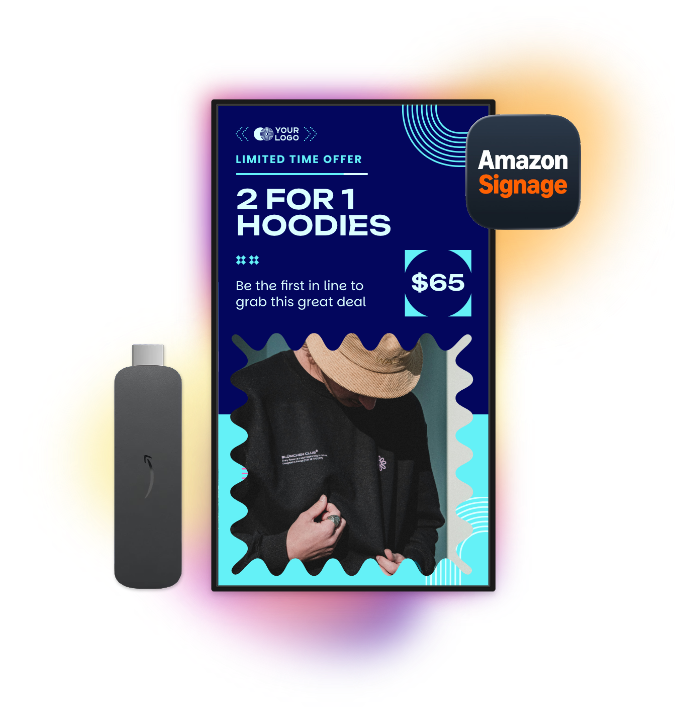
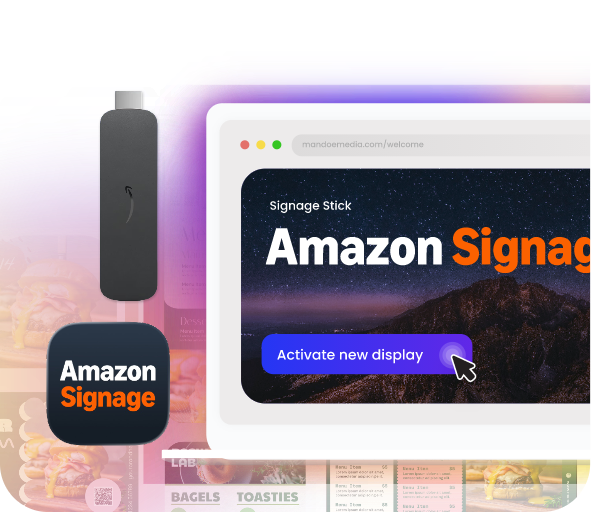
Designed for cost-effective, reliable performance and easy setup, the Amazon Signage Stick plugs directly into your display’s HDMI port and connects to Wi-Fi, allowing you to easily manage and update content through the Mandoe CMS.
Currently only available in the US.
Key benefits of using the
Amazon Signage Stick
Purpose built
Auto-launches Mandoe in kiosk mode for seamless use and engineered for security.
Powerful performance
Enjoy brilliant 4K visuals, quad-core speed, and fast Wi-Fi 6E connectivity.
Affordable solution
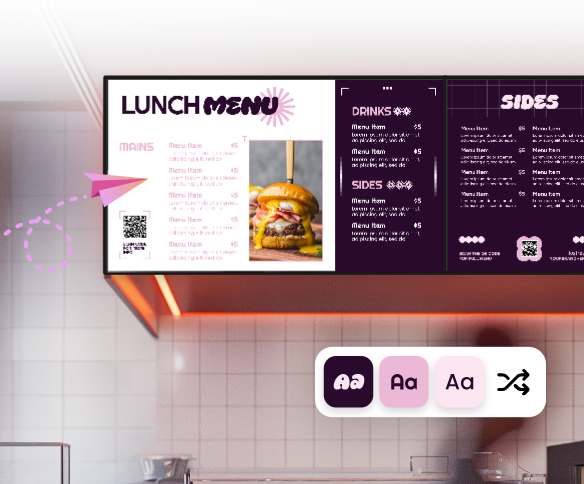
Professional signage for any business or organization, designed for any budget.
Easy setup
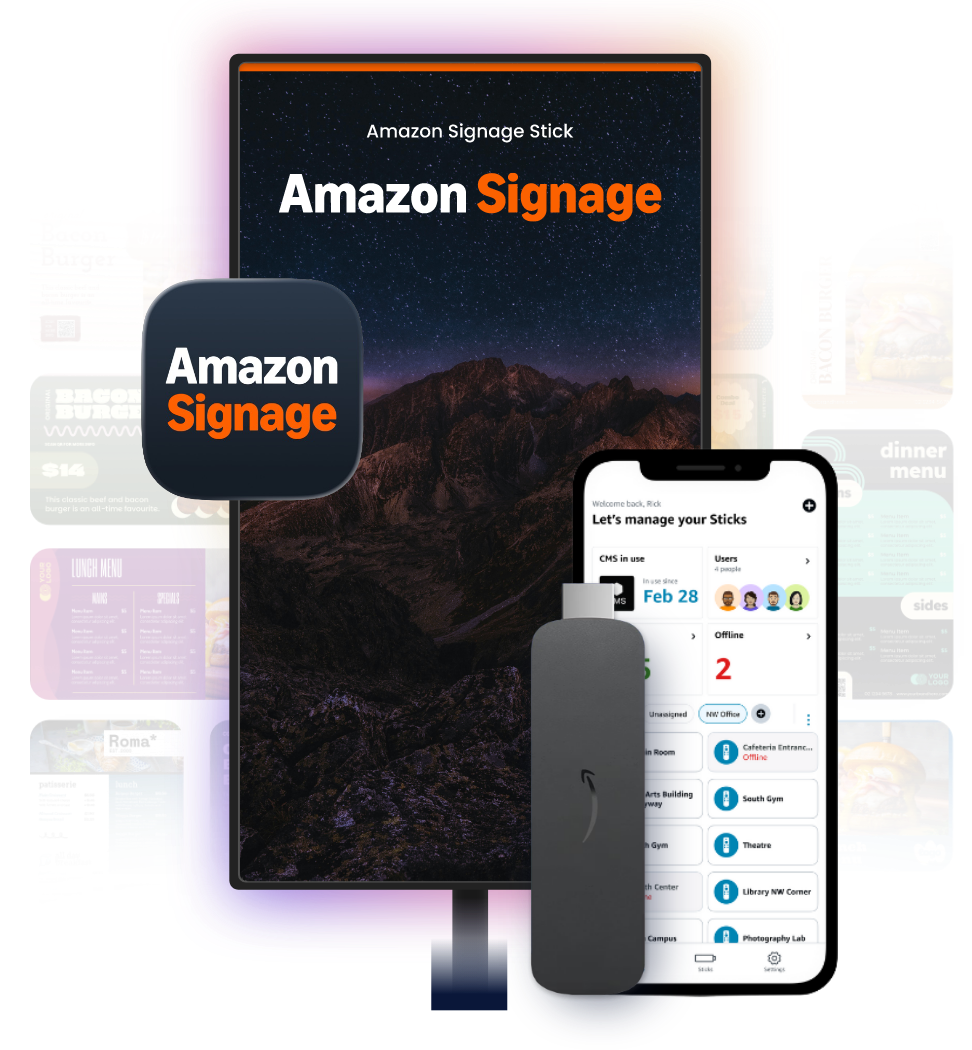
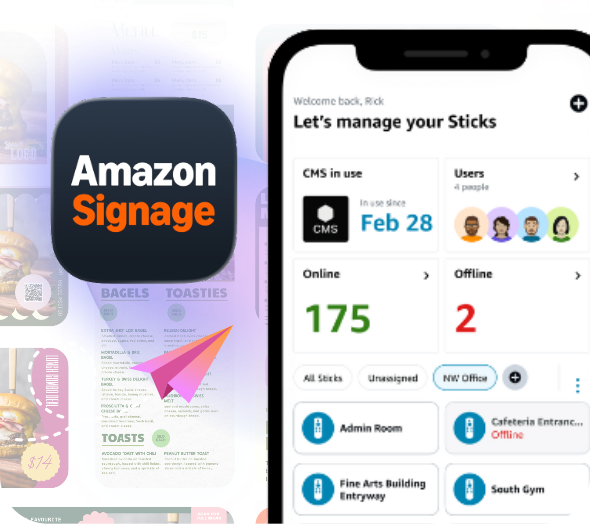
Set up in minutes with the free mobile app, no technical experience needed.
Amazon Signage Stick
Why choose Mandoe
The Mandoe CMS works seamlessly with the Amazon Signage Stick, enabling quick setup and easy content management. Create your own content with easy-to-use design tools and dynamic widgets. Schedule campaigns and update your screens remotely from anywhere, all within our CMS.
Effortless Content Creation
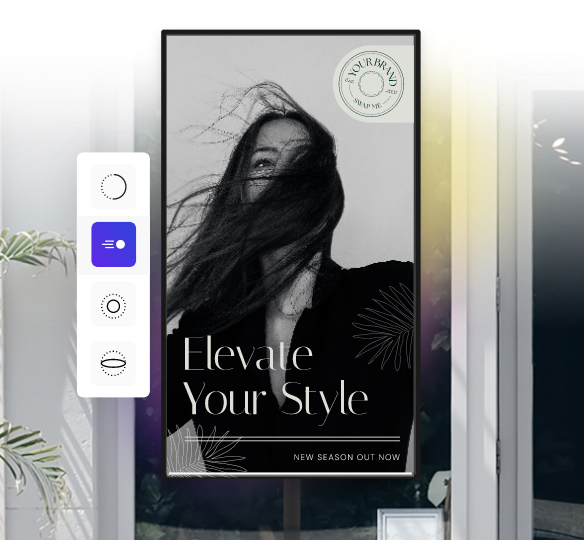
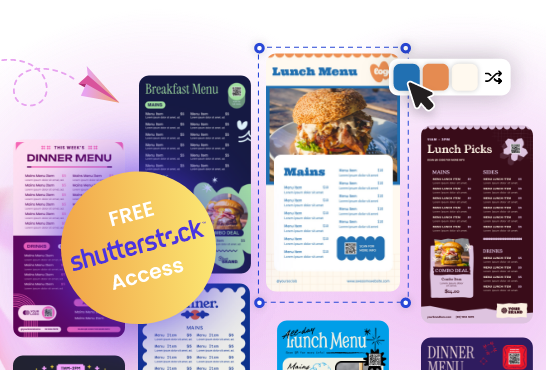
No design skills? No problem! Our AI-powered tool intuitively understands your requirements and generates professional-quality digital signage content. Simply enter a prompt and AI Magic Create will work its magic.
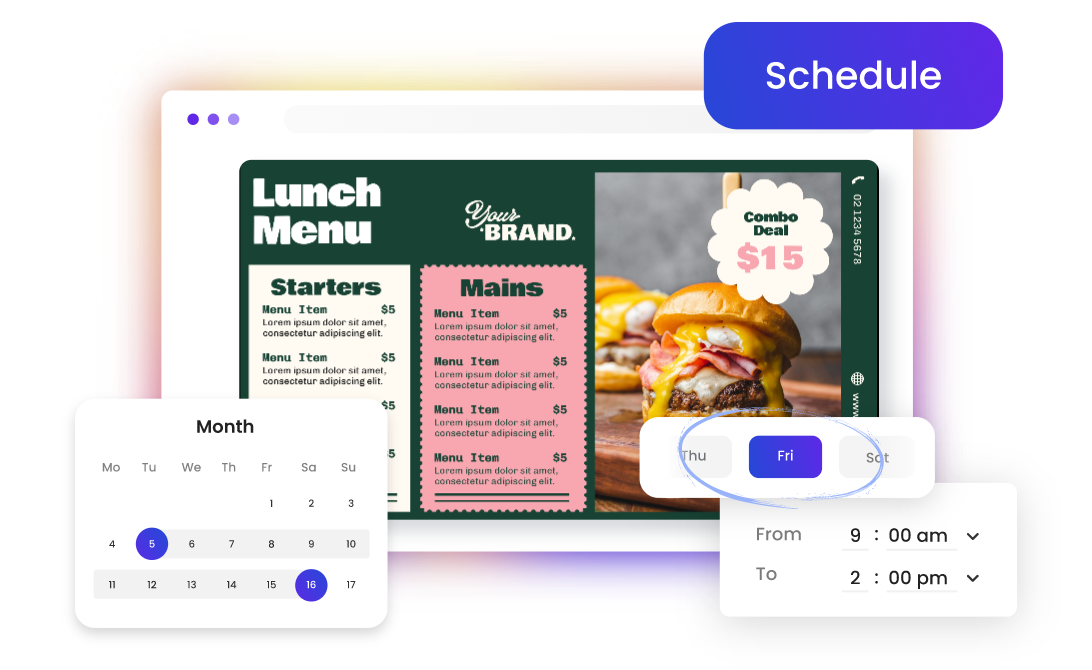
Advanced Scheduling
Control the playback of your advertising with complete day part settings, down to the minute. Combine rules to set start and end times, time of day, day of week.
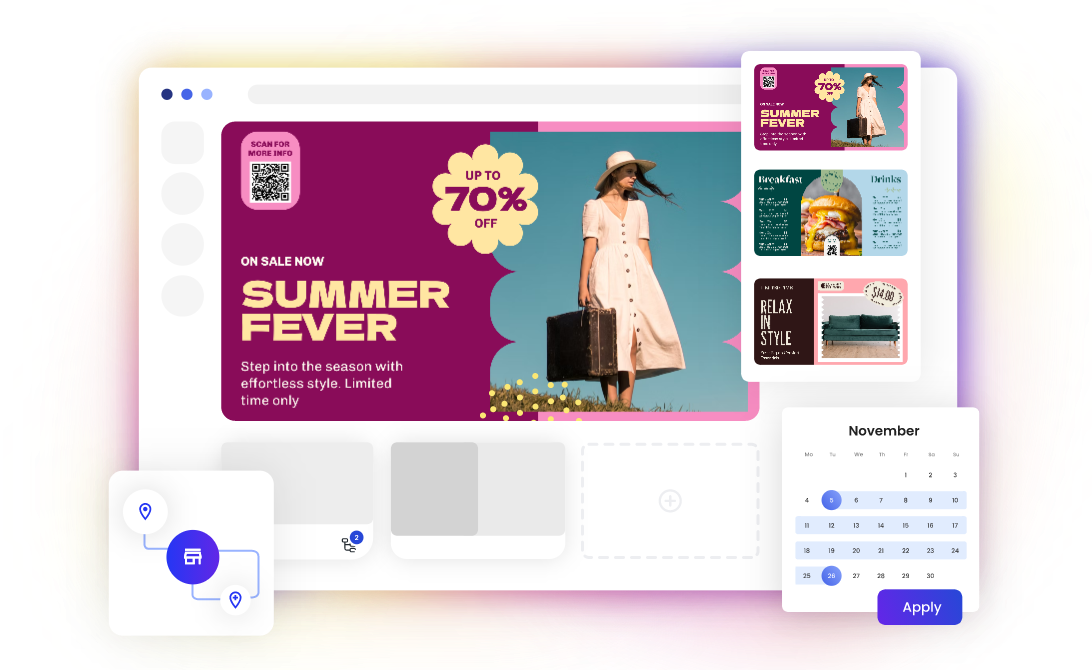
Tagging
Control what plays where with Mandoe’s intuitive tagging system. Tag content and screens and combine them for full playback control.
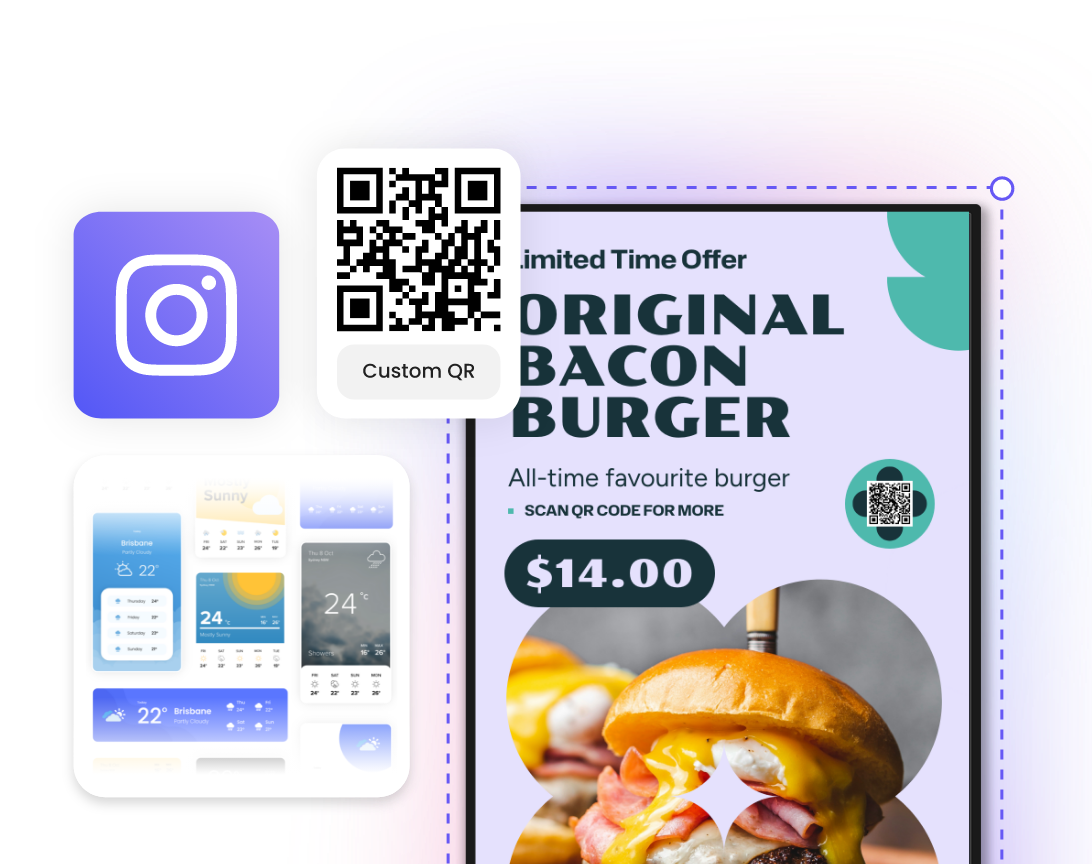
Dynamic Widgets
Dynamic widgets let you display live news, embedded webpages, weather updates, and curated Instagram feeds directly on your screens, keeping your content current, informative, and engaging.
Set Up
Five easy steps to get Mandoe Digital Signage running on your Amazon Signage Stick
1
Plug the Amazon Signage Stick into your TV.
2
Choose Mandoe in the CMS dropdown.
3
Log in to your Mandoe CMS account.
4
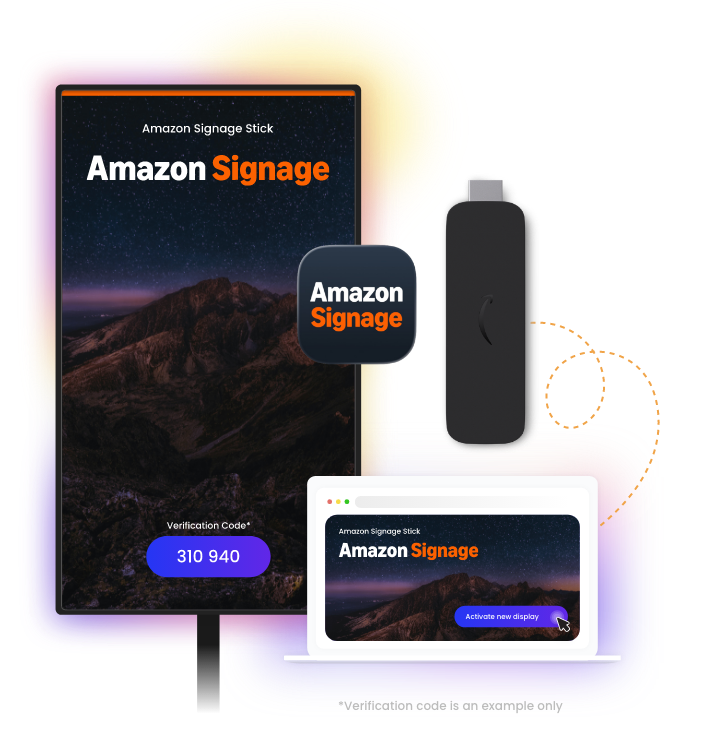
Navigate to the Display Settings & Tags page and click “+ Activate new display”
5
You’re now ready to start scheduling content to your Amazon Signage Stick!