Amazon
Signage Stick
Professional signage, made simple.
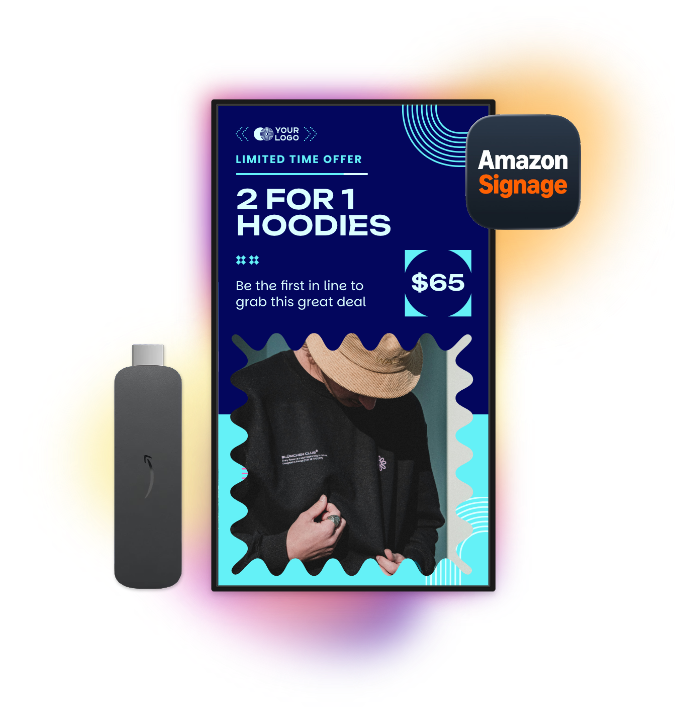
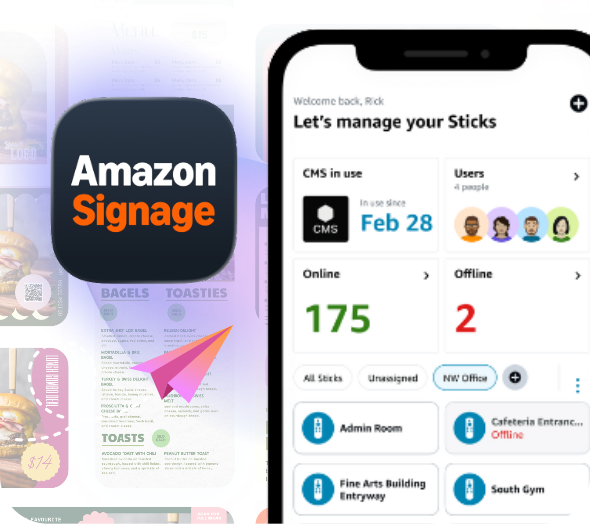
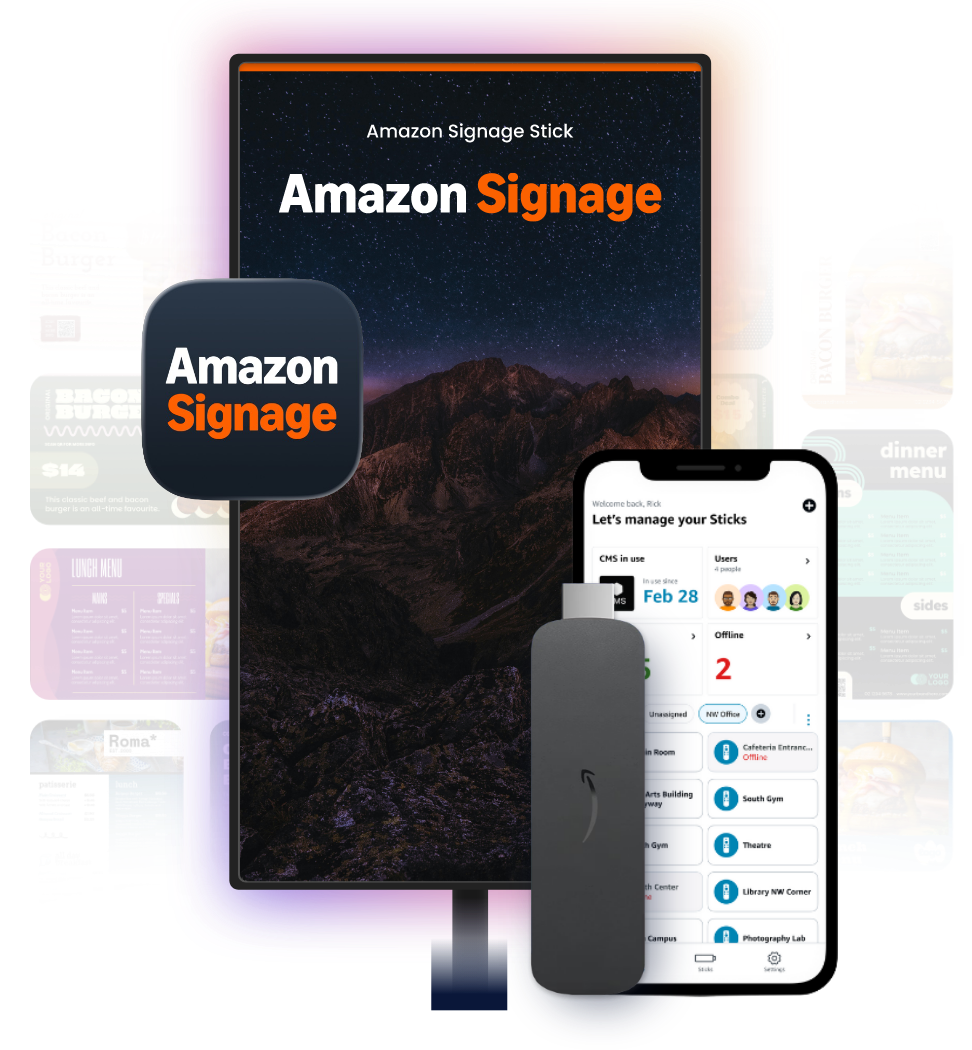
Designed for cost-effective, reliable performance and easy setup, the Amazon Signage Stick plugs directly into your display’s HDMI port and connects to Wi-Fi, allowing you to easily manage and update content through the Mandoe CMS.
Currently only available in the US.
Key benefits of using the
Amazon Signage Stick
Amazon Signage Stick
Why choose Mandoe
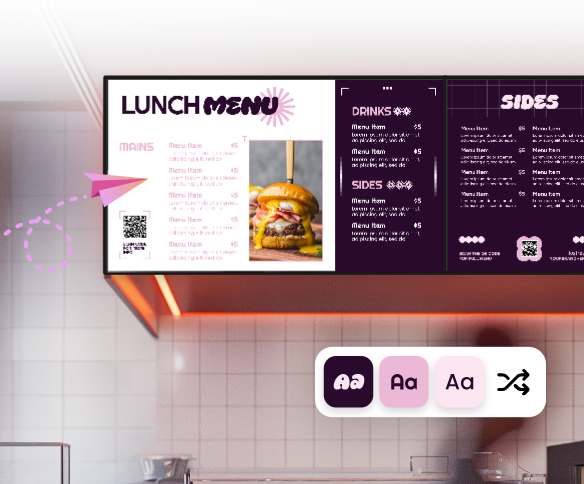
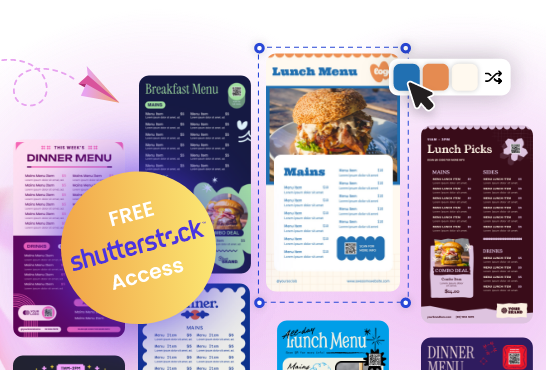
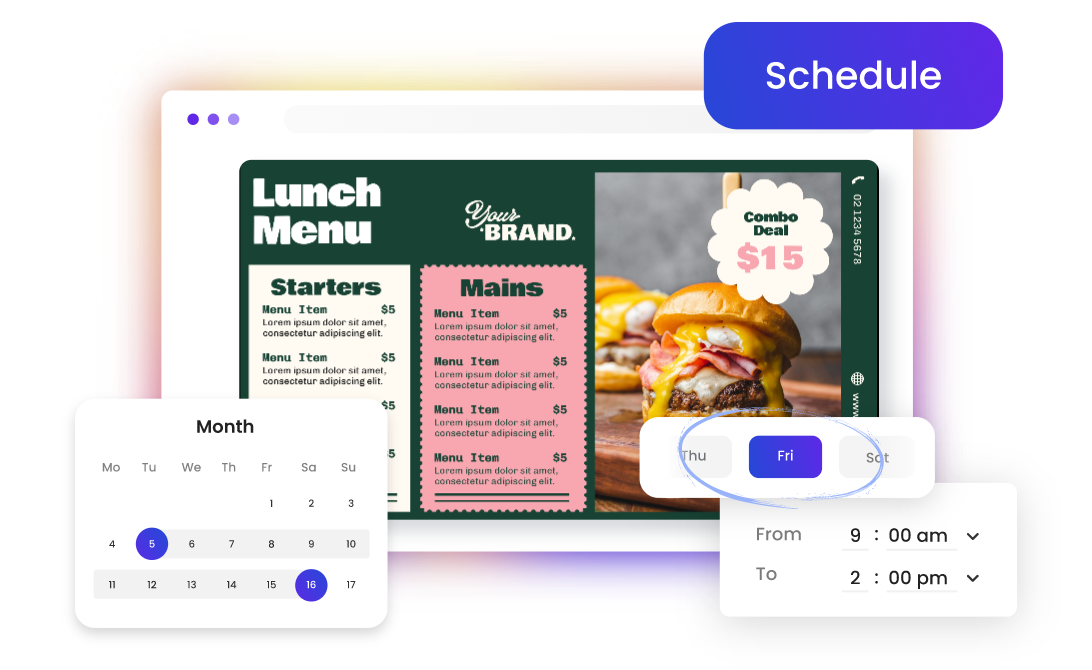
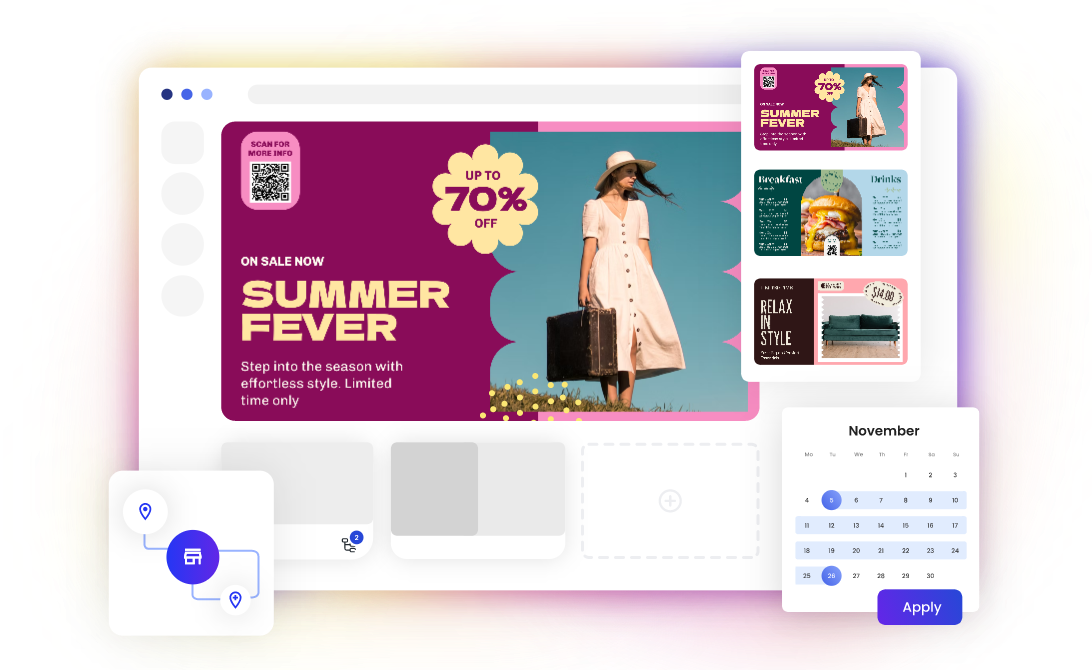
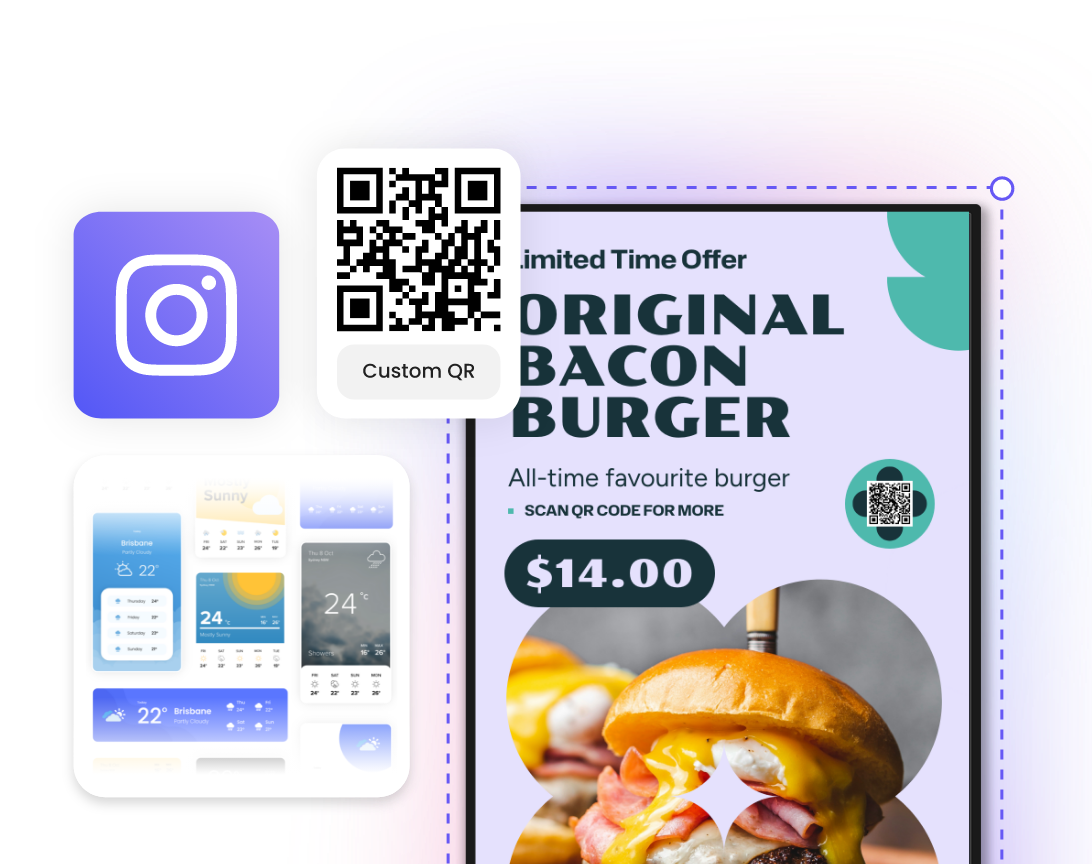
The Mandoe CMS works seamlessly with the Amazon Signage Stick, enabling quick setup and easy content management. Create your own content with easy-to-use design tools and dynamic widgets. Schedule campaigns and update your screens remotely from anywhere, all within our CMS.
Set Up
Five easy steps to get Mandoe Digital Signage running on your Amazon Signage Stick
1
Plug the Amazon Signage Stick into your TV.
2
Choose Mandoe in the CMS dropdown.
3
Log in to your Mandoe CMS account.
4
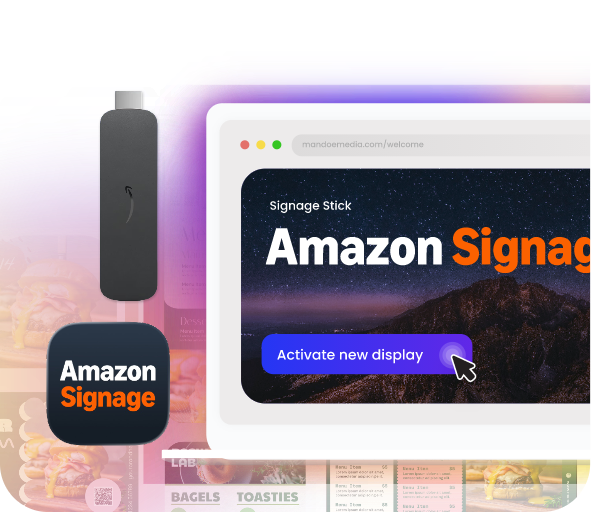
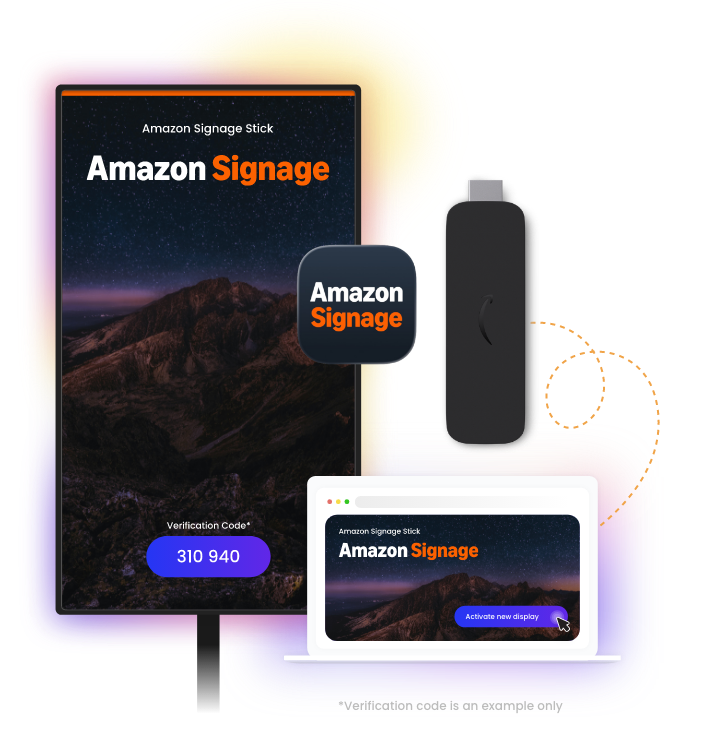
Navigate to the Display Settings & Tags page and click “+ Activate new display”
5
You’re now ready to start scheduling content to your Amazon Signage Stick!