Skip to content
Mandoe Media Logo

Smart Tagging And Enterprise Content Scheduling

Tag-based content automation for enterprise networks that manual scheduling can’t manage.

At enterprise scale, manually assigning content to hundreds of screens across dozens of locations is a logistical problem that consumes your operations team and produces errors.

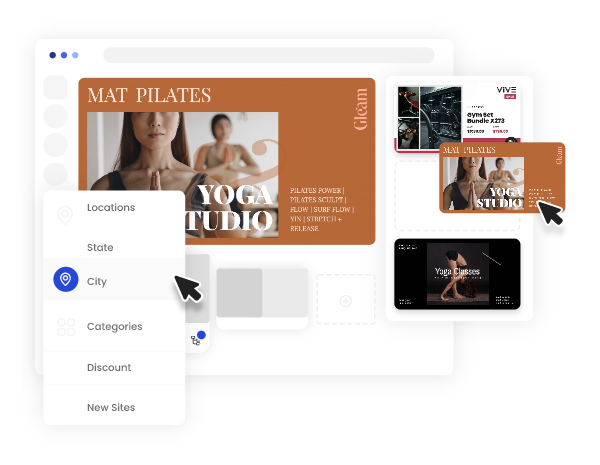
Mandoe’s digital signage scheduling software uses a Smart Tagging engine to automate content targeting: tag your content with location, audience, campaign type, and time attributes, and the platform automatically surfaces the right content to the right screen at the right time. No manual screen-by-screen assignment required.
Smart Tagging And Enterprise Content Scheduling

Just a few of our amazing customers

Enterprise Signage Scheduling

Enterprise Signage Scheduling

Beyond Playlists and Manual Assignment

Most digital signage scheduling tools were designed for small networks with simple content plans. At enterprise scale there are hundreds of screens, multiple teams, constantly changing campaigns, localised content requirements – those tools create more work than they save. Every new piece of content requires manual assignment. Every campaign update means screen-by-screen changes. Every localisation requires a separate playlist.

Mandoe’s Smart Tagging

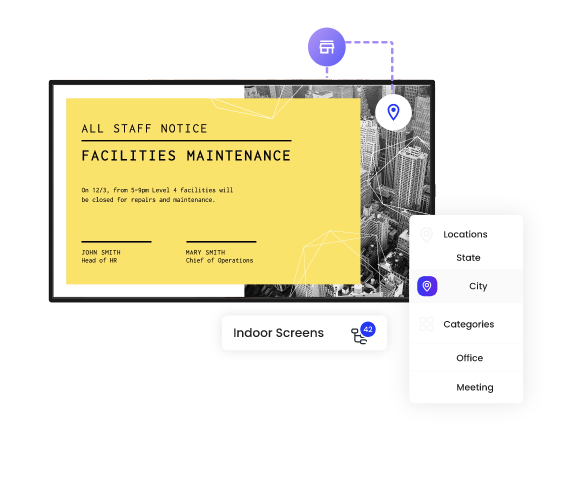
Mandoe’s Smart Tagging system transforms scheduling from a manual, resource-intensive process into an automated, intelligent workflow. Tag content and screens with metadata, and the scheduling engine handles matching, targeting, and deployment automatically, at postcode level if needed.

Digital Signage Content

Scheduling Built for Enterprise Complexity

Multi-Dimensional Metadata Tagging

Tag every content asset across multiple dimensions

From geographic tags (country, state, city, postcode), demographic tags (audience profile, customer segment), categorical tags (campaign type, product category, content format), and operational context tags (shift, trading period, venue status). Combinations of tag types create highly specific targeting rules, such as a postcode-level retail promotion for a specific customer segment activates only on the screens that match all criteria.

Multi-Dimensional Metadata Tagging Multi-Dimensional Metadata Tagging

Automated Screen Group Targeting

Assign tags to screen groups

Assign tags to screen groups reflecting their location, audience, and operational context. When new content with matching tags enters the CMS, the scheduling engine automatically targets it to relevant screen groups, no manual playlist assignment. For geographic campaigns, this operates at postcode level, enabling localised activation without location-by-location scheduling.

Priority Content Scheduling

Define content priority levels

Define content priority levels so critical communications (emergency alerts, compliance notices, time-sensitive promotions) automatically elevate to highest-frequency scheduling across relevant screens. Lower-priority content fills the remaining schedule through tag matching, ensuring optimal variety without manual programming.

Daypart and Time-Based Scheduling Rules Daypart and Time-Based Scheduling Rules

Daypart and Time-Based Scheduling Rules

Daypart rules that automatically adjust content programmes

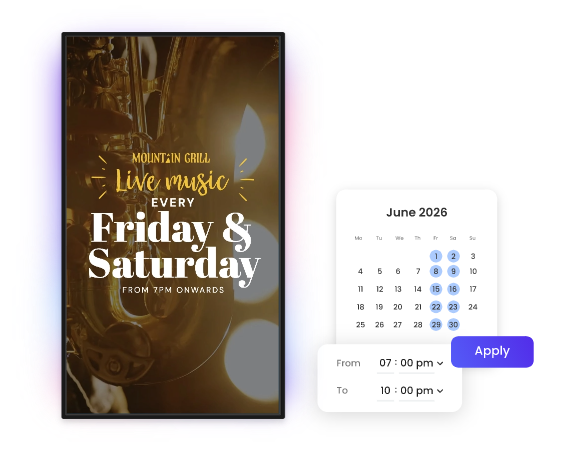
Configure daypart rules that automatically adjust content programmes based on time of day, day of week, or calendar dates. Retail screens transition from morning commuter content to lunchtime promotions to evening entertainment automatically, without requiring manual schedule changes at each transition.

Campaign and Event-Based Scheduling

Schedule campaigns on defined dates

Schedule campaigns to activate and deactivate automatically on defined dates. Tag campaign content with screen groups and the scheduling engine handles activation, rotation, and retirement. Campaign content never overstays its intended period.

Bulk Scheduling Operations

Apply scheduling changes with a single bulk operation

Apply scheduling changes to hundreds of screens simultaneously with a single bulk operation. Filter screens by tag, location, or group, then push changes network-wide in one action. Enterprise content deployment cycles that previously took days now take minutes.

Built for Retail – and Every Multi-Location Brand Environment

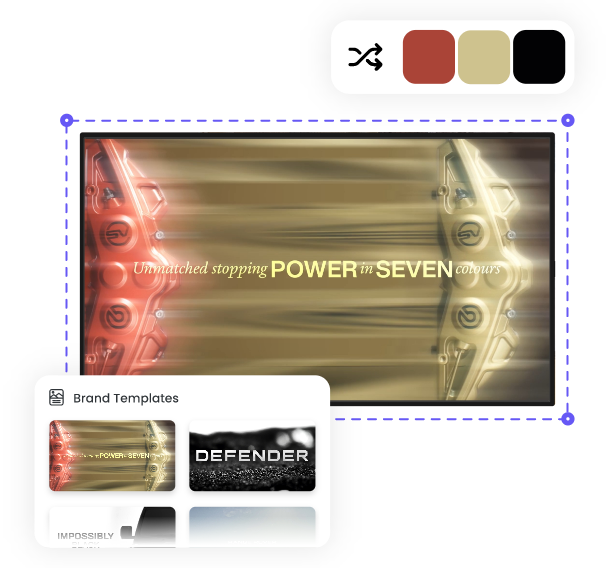
One Brand Kit. Every screen. Every contributor. Always on-brand.

Retail Chains
Corporate Campuses
Hospitality
Healthcare
Universities
Retail Chains

Retail Chains

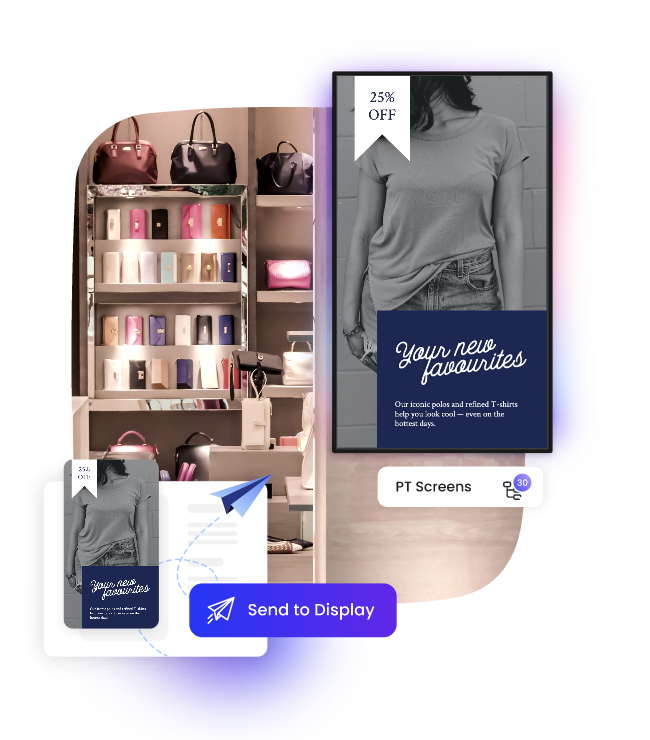
Automatically schedule regional promotional content to store screens based on postcode and location tags. A national campaign activates in the right store format, at the right daypart, for the right customer segment without manual per-store assignment.

Corporate Campuses

Corporate Campuses

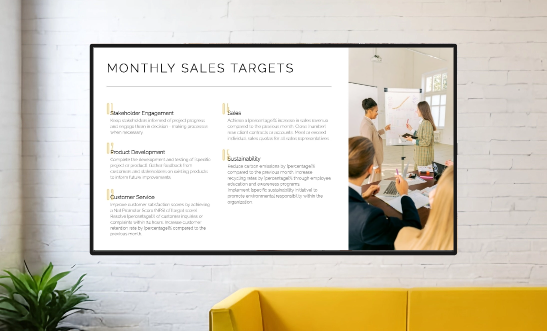
Target department-specific communications to screens in relevant building zones using audience and location tags. HR communications reach employee areas; corporate announcements reach lobby screens.

Hospitality

Hospitality

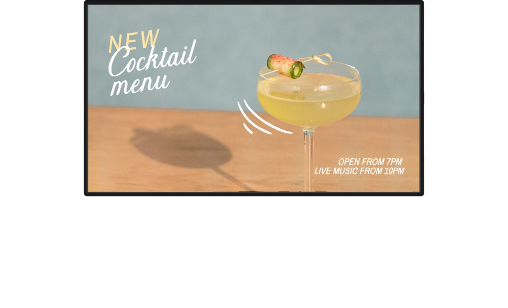
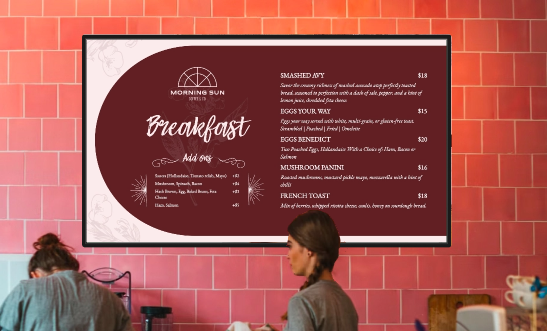
Configure daypart rules to automatically transition from breakfast service content to conference programming to evening promotions throughout the day without a manual schedule change at every venue.

Healthcare

Healthcare

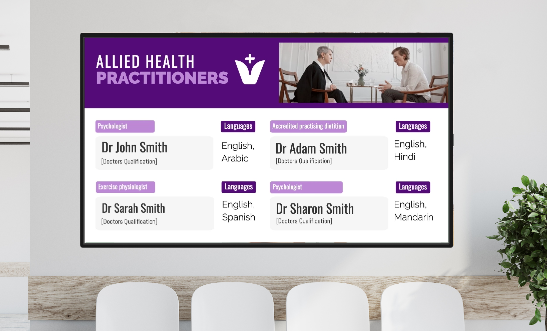
Ensure patient information content automatically schedules to clinical area screens while corporate content reaches staff zones. This is based on screen group tags, not manual assignments.

Universities

Universities

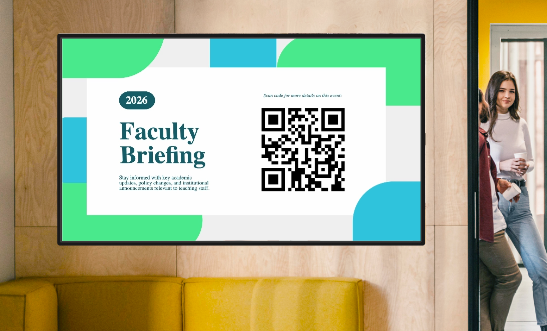
Target course and faculty-specific content to screens in relevant campus buildings using location and audience tags. A single content upload auto-targets to every relevant screen in the estate.

Mandoe Enterprise Platform

Part of the

Mandoe Enterprise Platform

Smart Tagging integrates with the Enterprise Digital Signage CMS as a core scheduling component. Tagged content routes automatically through the correct Access Governance and Identity approval workflow before it can reach any screen, meaning governance and scheduling are connected, not siloed. Smart Tagging data feeds into the Analytics module, enabling performance reports that correlate tag attributes with engagement metrics for continuous schedule optimisation.

Why Enterprise Operations Teams

Choose Mandoe’s Scheduling Software

Multiple Location Scheduling

Deploy campaigns to 500+ locations in a single operation, not screen by screen.

Activate Localised Content

Activate localised content at postcode level without manual per-location scheduling.

Eliminate Outdated Content

Eliminate outdated content with automated campaign expiry tied to scheduling rules.

Automatic Tagging

Route tagged content through the correct approval workflow automatically.

Reduce Team Workload

Reduce operations team scheduling workload significantly through tag-based automation.

Optimise Scheduling

Continuously optimise schedules using tag performance data from the analytics module.

  • Digital Signage Australia
  • Digital Signage Sydney
  • Digital Signage Melbourne
  • Digital Signage Brisbane
  • Digital Signage Software Australia
  • Digital Menu Boards Australia
  • Restaurant Signage Australia
  • Window Signage Australia
  • Cafe Signage Australia
  • Retail Signage Australia
  • Real Estate Signage Australia
  • Medical Signage Australia
  • Dentist Signage Australia
  • Physio Signage Australia
  • Fast Food Signage Australia
  • Pharmacy Signage Australia